All widgets
Copy Text from Screen
Comes with Chopstick
Drag over any part of the screen to copy the text in it, read on-device.
Already installed? It's in your widget library.
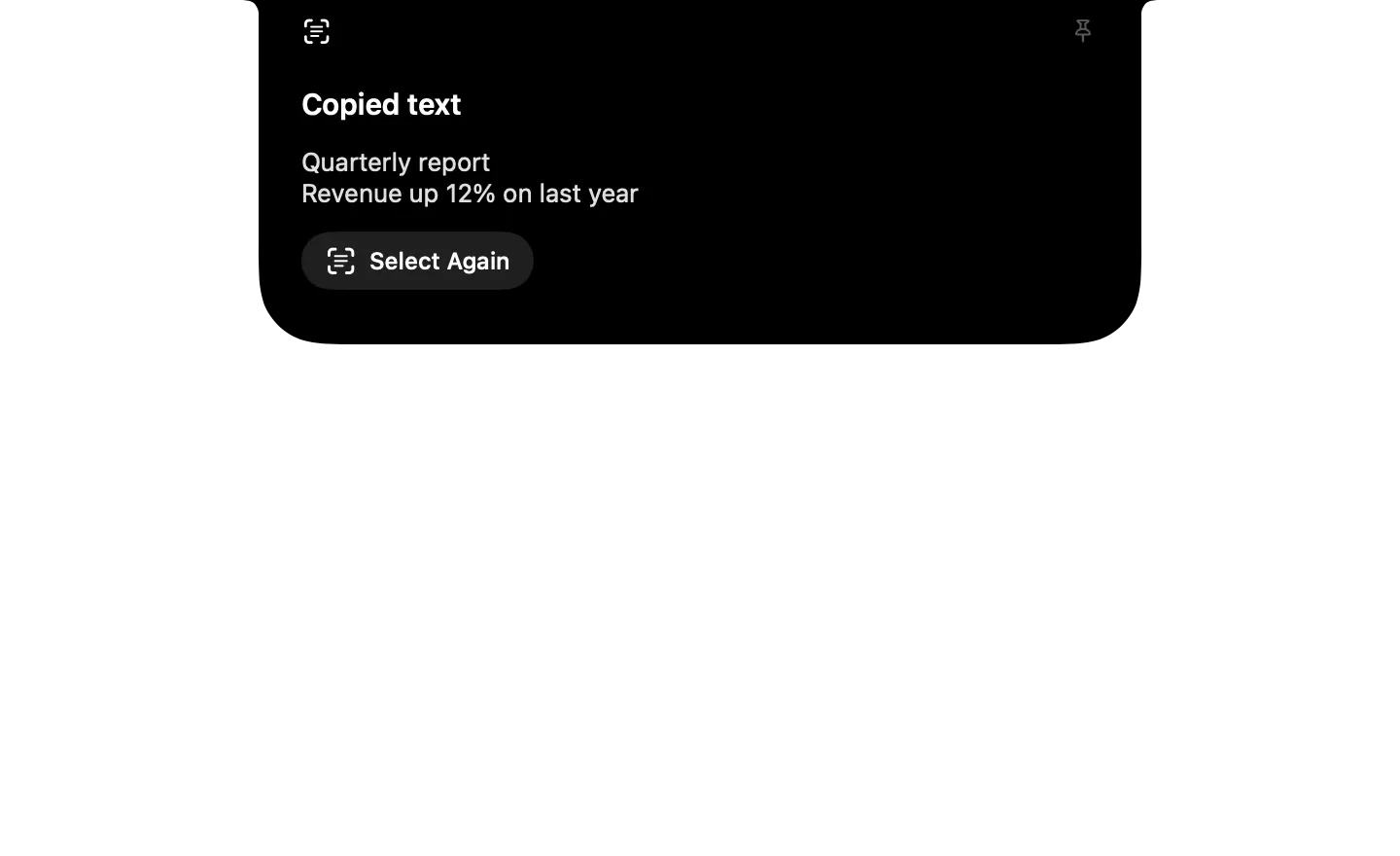
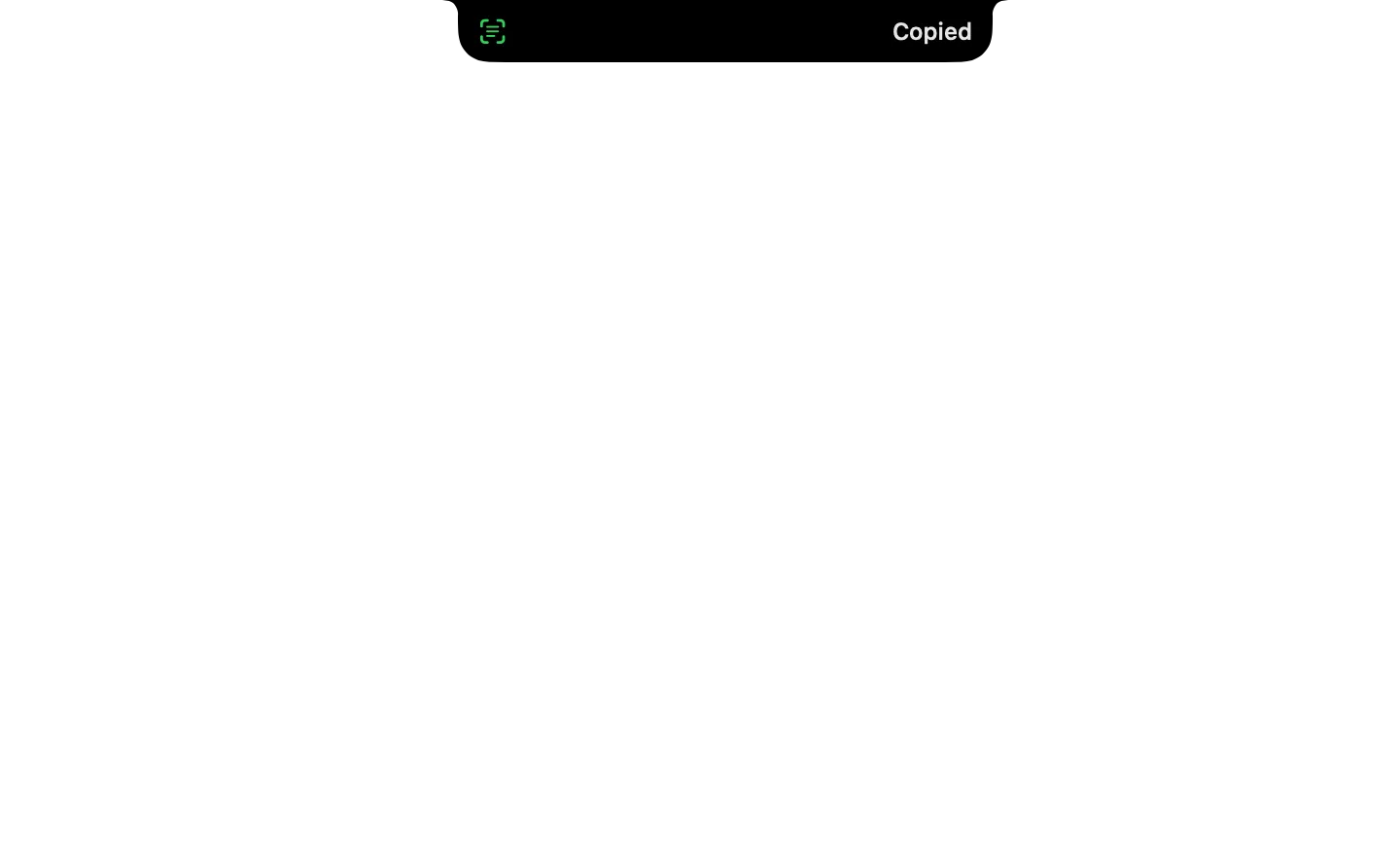

What it runs
A widget is a folder of plain files. Here is all of its code.
widget.json
{
  "id": "ocr",
  "name": "Copy Text from Screen",
  "icon": "icon.png",
  "description": "Drag over any part of the screen to copy the text in it, read on-device.",
  "anytime": false,
  "initial": "selecting",
  "states": {
    "selecting": {
      "task": true,
      "on_enter": [ { "run": "read.sh", "then": "copied", "else": "failed" } ],
      "compact": { "leading": { "symbol": "text.viewfinder" }, "trailing": "spinner" }
    },
    "copied": {
      "task": true,
      "open": true,
      "dismiss_after": 5,
      "on_enter": [ { "copy": "{{result.text}}" } ],
      "compact": { "leading": { "symbol": "text.viewfinder", "tint": "green" }, "trailing": { "text": "Copied" } },
      "expanded": {
        "size": "regular",
        "header": { "symbol": "text.viewfinder", "title": "Copied text" },
        "blocks": [
          { "text": "{{result.text}}", "lines": 6 },
          { "button": { "symbol": "text.viewfinder", "label": "Select Again", "do": [ { "go": "selecting" } ] } }
        ]
      }
    },
    "failed": {
      "dismiss_after": 2,
      "compact": { "leading": { "symbol": "text.viewfinder" }, "trailing": { "text": "{{error | Cancelled}}" } }
    }
  },
  "preview": {
    "states": [ "copied", "failed" ],
    "data": { "result": { "text": "Quarterly report\nRevenue up 12% on last year" }, "error": "No text found" }
  }
}
read.js
ObjC.import('Vision')
ObjC.import('stdlib')

// Prints the text in the image at argv[0] as {"text": ...}, line by line; exits 1 when there's none.
function run(argv) {
    const handler = $.VNImageRequestHandler.alloc.initWithURLOptions($.NSURL.fileURLWithPath(argv[0]), $.NSDictionary.dictionary)
    const request = $.VNRecognizeTextRequest.alloc.init
    request.recognitionLevel = $.VNRequestTextRecognitionLevelAccurate
    request.automaticallyDetectsLanguage = true
    handler.performRequestsError($.NSArray.arrayWithObject(request), null)
    const lines = []
    const results = request.results
    for (let i = 0; i < results.count; i++) {
        const best = results.objectAtIndex(i).topCandidates(1).firstObject
        if (best && !best.isNil()) lines.push(best.string.js)
    }
    if (!lines.length) {
        console.log('No text found')
        $.exit(1)
    }
    return JSON.stringify({ text: lines.join('\n') })
}
read.sh
# Drag over an area of the screen; prints its text as {"text": ...}. Esc exits 1.
shot="$CHOPSTICK_TMP/ocr.png"
rm -f "$shot"
screencapture -i -x "$shot"
[ -f "$shot" ] || exit 1
osascript -l JavaScript read.js "$shot"