All widgets
Wolt Order
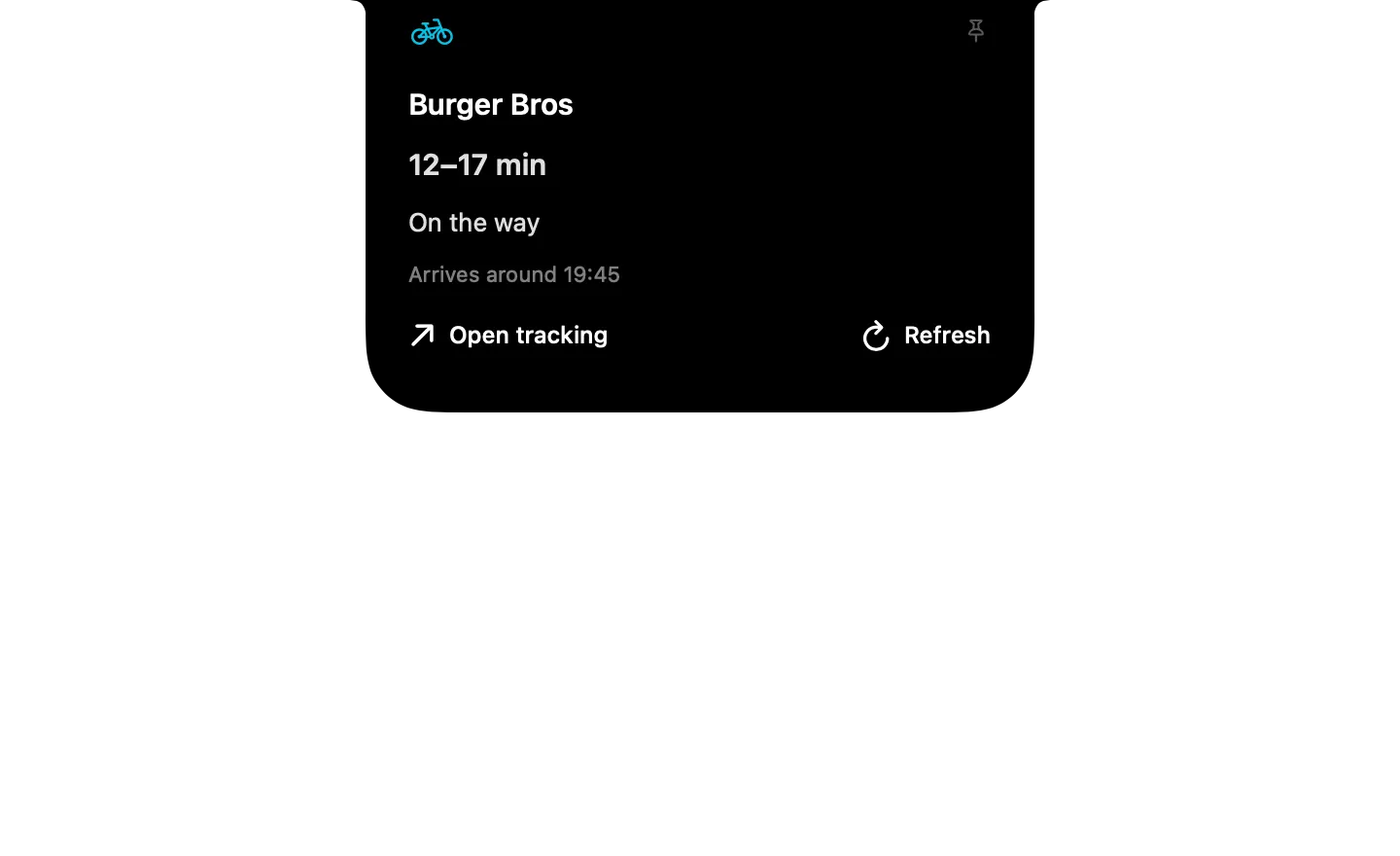
Shows when your Wolt delivery arrives, read from the Wolt order-tracking tab in Chrome or Safari.
Chopstick shows you everything in it before installing, and it starts turned off. Or download the .zip to import it yourself.
Type it in the notch's search
- Wolt order
- Refresh Wolt order
- Open Wolt tracking
What it runs
A widget is a folder of plain files. Here is all of its code.
widget.json
{
  "id": "wolt-order",
  "name": "Wolt Order",
  "description": "Shows when your Wolt delivery arrives, read from the Wolt order-tracking tab in Chrome or Safari.",
  "icon": "icon.png",
  "show_when": { "order.active": true },
  "anytime": true,
  "watch": [
    { "script": "order.sh", "every": 30, "on": ["app"], "as": "order" }
  ],
  "initial": "tracking",
  "states": {
    "tracking": {
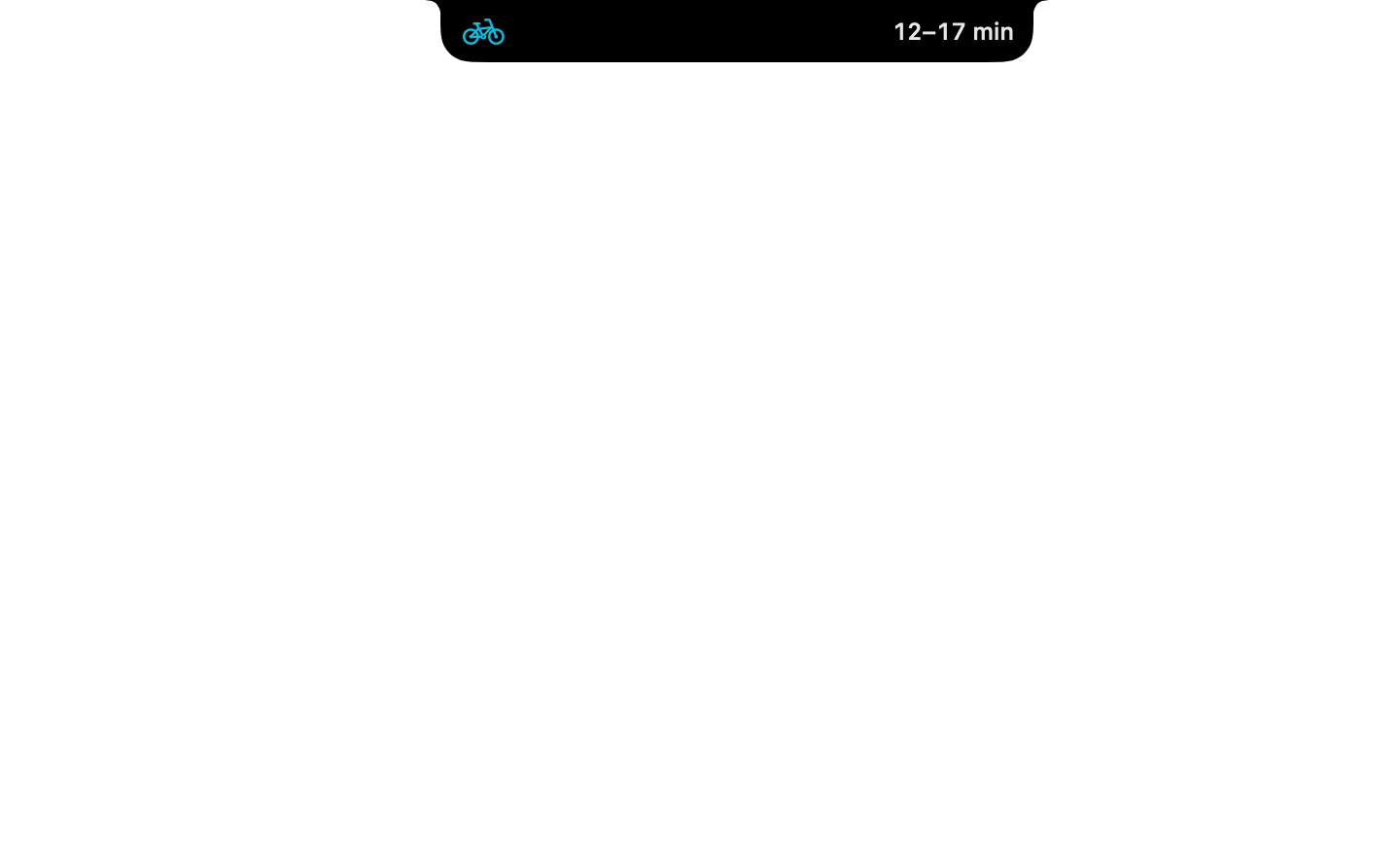
      "compact": {
        "leading": { "symbol": "bicycle", "tint": "#00C2E8" },
        "trailing": { "text": "{{order.eta | Wolt}}" }
      },
      "expanded": {
        "size": "compact",
        "header": { "symbol": "bicycle", "tint": "#00C2E8", "title": "{{order.venue | Wolt order}}" },
        "blocks": [
          { "text": "{{order.eta | No active order}}", "style": "title" },
          { "text": "{{order.status | Open your order's tracking page in Chrome or Safari}}", "style": "body" },
          { "note": "{{order.detail | }}" },
          { "row": [
            { "button": { "symbol": "arrow.up.right", "label": "Open tracking", "style": "plain", "do": [ { "open_url": "{{order.url | https://wolt.com}}" } ] } },
            "spacer",
            { "button": { "symbol": "arrow.clockwise", "label": "Refresh", "style": "plain", "do": [ { "refresh": "order" } ] } }
          ] }
        ]
      }
    }
  },
  "commands": {
    "show": {
      "description": "Show when the current Wolt order arrives.",
      "phrase": "Wolt order",
      "do": [ { "refresh": "order" }, { "go": "tracking" } ]
    },
    "refresh": {
      "description": "Re-read the Wolt tracking page now.",
      "phrase": "Refresh Wolt order",
      "do": [ { "refresh": "order" } ]
    },
    "open": {
      "description": "Open the Wolt order-tracking page.",
      "phrase": "Open Wolt tracking",
      "do": [ { "open_url": "{{order.url | https://wolt.com}}" } ]
    }
  },
  "preview": {
    "states": ["tracking"],
    "data": { "order": { "active": true, "venue": "Burger Bros", "status": "On the way", "eta": "12–17 min", "minutes": 12, "detail": "Arrives around 19:45", "url": "https://wolt.com" } }
  }
}
order.js
// Finds a Wolt order-tracking tab in Chrome or Safari and reads its ETA.
// Prints { active, status, eta, minutes, venue, url, detail, needs_js }.

ObjC.import('stdlib')

function isRunning(name) {
    return Application('System Events').processes.whose({ name: name }).length > 0
}

function findTab() {
    const isOrder = u => /wolt\.com\/.*\/(order|orders|tracking)\b|track\.wolt\.com/i.test(u || '')
    if (isRunning('Google Chrome')) {
        const chrome = Application('Google Chrome')
        for (const w of chrome.windows()) for (const t of w.tabs()) {
            if (isOrder(t.url())) return {
                url: t.url(), title: t.title(),
                text: () => t.execute({ javascript: 'document.body.innerText' })
            }
        }
    }
    if (isRunning('Safari')) {
        const safari = Application('Safari')
        for (const w of safari.windows()) for (const t of w.tabs()) {
            if (isOrder(t.url())) return {
                url: t.url(), title: t.name(),
                text: () => safari.doJavaScript('document.body.innerText', { in: t })
            }
        }
    }
    return null
}

function parse(text) {
    const out = {}
    const lower = text.toLowerCase()
    const statuses = [
        [/delivered|zugestellt|geliefert|enjoy your/, 'Delivered'],
        [/on (its|the) way|picked up|courier is coming|unterwegs|abgeholt/, 'On the way'],
        [/being prepared|preparing|wird zubereitet|zubereitung/, 'Being prepared'],
        [/received|confirmed|bestätigt|angenommen/, 'Order received'],
    ]
    for (const [re, label] of statuses) if (re.test(lower)) { out.status = label; break }

    const range = text.match(/(\d{1,3})\s*[–-]\s*(\d{1,3})\s*min/i)
    const single = text.match(/(\d{1,3})\s*min/i)
    if (range) { out.minutes = Number(range[1]); out.eta = range[1] + '–' + range[2] + ' min' }
    else if (single) { out.minutes = Number(single[1]); out.eta = single[1] + ' min' }

    const clock = text.match(/(?:arriv\w*|estimated|ankunft|lieferung)[^\n\d]{0,30}(\d{1,2}[:.]\d{2})/i)
    if (clock) out.at = clock[1].replace('.', ':')
    if (out.at) out.detail = 'Arrives around ' + out.at
    if (!out.eta && out.at) out.eta = out.at
    return out
}

function run() {
    const tab = findTab()
    if (!tab) return JSON.stringify({ active: false })
    const result = { active: true, url: tab.url, venue: (tab.title || 'Wolt').replace(/\s*[|–-]\s*Wolt.*$/i, '') }
    try {
        Object.assign(result, parse(String(tab.text() || '')))
    } catch (e) {
        result.needs_js = true
        result.status = 'Tracking tab found'
        result.detail = 'To read the ETA, turn on View › Developer › Allow JavaScript from Apple Events (Chrome) or Develop › Allow JavaScript from Apple Events (Safari).'
    }
    if (result.status === 'Delivered') result.active = false, result.delivered = true
    return JSON.stringify(result)
}
order.sh
osascript -l JavaScript order.js 2>/dev/null || echo "{\"active\": false}"